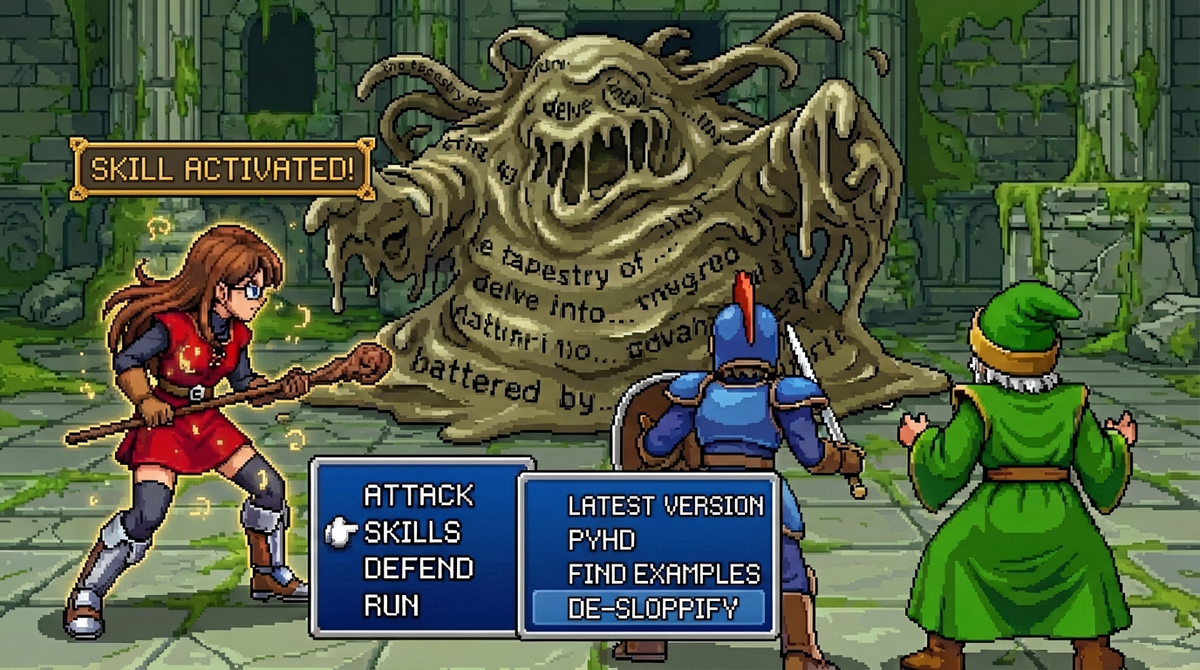

In the previous article, we explored how Agent Skills add new features to the Gemini CLI. We looked at the experiment-analyst skill as a practical example of keeping the agent’s context clean while giving it specific instructions for a task.
Today, we are going to dive into the core principles of skill design and look at a few practical examples of skills I use daily.
What are Agent Skills#
Let’s do a quick recap of part 1 just in case you missed it. Agent Skills are an open standard designed to give coding agents “just in time” specialist knowledge. They are designed so that specialist knowledge is added to context only when needed, helping prevent the so called context bloat. The technical term for that is Progressive Disclosure: we keep the core instructions (SKILL.md) as lean as possible, and use separate files for detailed references or scripts that are only loaded when needed.
On disk, a skill is a folder with a SKILL.md file and, optionally, bundled resources:
skill-name/
├── SKILL.md (Required: Only name, description, and core instructions)
└── Bundled Resources (Optional)
    ├── scripts/    (Executable code for repeatable tasks)
    ├── references/ (Docs loaded on-demand, e.g., API schemas)
    └── assets/     (Templates or binary files used in outputs)
The skill-creator skill#
You can always write skills manually, but Gemini CLI ships with a built-in meta-skill called skill-creator which makes things much easier.
You can activate this skill by asking Gemini CLI to create (or refactor) a skill:
“I want to create a new skill to fetch the actual latest version of a software package so you stop hallucinating versions.”
Any requests related to “creating skills” should automatically trigger the skill-creator, but just in case you are talking with a “grumpy” model, you can also be more explicit:
“Use the the skill-creator to write a skill to de-sloppify AI generated texts (please don’t take it personally)”
Gemini CLI might ask you a few details before writing the skill boilerplate. It just recently learned how to ask the user with a ask_user tool and it is really cool to see it in action.
When to create skills#
In my personal workflow, I have two main uses for skills:
- To document a process that is specific to my work (e.g. how to do a code review the way I like, how to initialise a repo, how to evaluate a blog post, etc.)
- To add specialist knowledge about a particular tool, language or technology (e.g. how does a genkit project works, how to work with adk to develop agents, etc.)
To some extent, you can think of skills as an intermediary concept between slash commands (which I often store as MCP prompts) and tools. When building slash commands I want to create a “repeatable process”, when creating tools I often want to give the model a deterministic way of doing something. Since skills can have both prompts and scripts, they can do both, with scripts playing the role of tools.
Of course, if you are packaging your skills as part of an extension, there is a high chance that they will be shipped with an MCP server that also exposes tools. You can too leverage that integration in the skill definition, teaching the model how to use your MCP tools if available.
There are also two main moments when I create skills:
- After a painfully long session trying to teach a model to do something for me (e.g. “please consolidate the knowledge of what we just did in a skill that we can use later”)
- Just after having a new idea of something I believe will help me become more efficient at my job (e.g. “let’s write a de-slopify skill to improve your writing capabilities”))
In both cases the skill will never be ready on the first try, but as soon as I start using it I’ll refine it until the point where I’m confident it brings some value, or kill it and park the idea until I learn more about the problem.
In the next section we are going to see some of the skills I’ve built so far.
Practical examples#
Let’s look at four skills from my own repository and see how they solve specific problems.
1. latest-version#
I created this skill out of pure frustration on how LLMs in general tend to use old versions of software, libraries, models and other dependencies. I know it is a natural consequence of knowledge cutoffs, but knowing this doesn’t prevent me from getting annoyed when the agent tries to use gemini-1.5-pro instead of Gemini 3 and accuses ME of “hallucinating” a future version.
This skill acts as a fact checker by querying registries (npm, PyPI, Go Proxy) and documentation pages. Here is a snippet of its SKILL.md:
name: latest-version
description: >
  The definitive real-time source of truth for software and model versions. Use this skill to bypass internal knowledge cutoffs...

## Core Mandate
**NEVER GUESS.** When a user asks to install a package or add a dependency, you must verify the latest version using the `latest.js` script. Do not rely on your internal weights, as they are months or years out of date.
This prompt still feels a bit sloppy but it has had moderate to high success in preventing some deprecated models from appearing in my code bases.
🔗 View the full latest-version skill
2. pyhd#
When I created the godoctor MCP server last year, I wanted it to be the ultimate tool (supported by science! ^^) for agentic Go development. We didn’t have skills back then, so it felt natural to pack all the tools I needed in an MCP server. For a while I have been flirting with the idea of creating something similar for Python, but I have so many things on the backlog that it became a low priority for me.
Then I came across skills, and thought “why not make it a skill instead?”. With the skill-creator it became very low effort to write it, so I decided to create pyhd (a combination of Python + PhD, just to keep the “doctor” theme).
The pyhd skill contains development workflow for Python projects, centering on the ruff linter and formatter to ensure proper “pythonic” code.
## Core Workflow

When editing Python files, you **MUST** follow this cycle for **EVERY** file modification:

1.  **Read & Understand**: ...
2.  **Edit**: Apply your changes using `smart_edit` or `replace`.
3.  **Sanitize (Ruff)**:
    Immediately after editing, run the following commands to format and fix linting issues:
    `uv run ruff check --fix <filename>`
    `uv run ruff format <filename>`
4.  **Verify**: Run tests...
This skill encourages that every Python edit is immediately followed by standard linting and formatting, which helps catching some early problems. Until I find time for a proper “pydoctor” implementation, this is my go-to skill for python development.
3. find-examples#
Sometimes you need to know how a specific library is used in the wild. The find-examples skill uses a Python script (github_search.py) to search GitHub for code that uses the dependency you want to use in your project. I developed this skill to help address the problem of models hallucinating APIs, while they clearly could do better by just looking at some documentation or examples.
Because it only uses GitHub search it doesn’t need a personal access token, and it tends to perform better than a Google search.
### 1. Search for Repositories (Multi-Language)
Run the `github_search.py` script. If you can't find many examples in your target language, add related languages supported by the SDK.

### 4. Clone and Inspect
Clone the selected repositories into the `_examples` folder.
Once cloned, use `list_files`, `smart_read`, or `grep_search` to find relevant implementation details.
I also added a feature where it tries to find examples in different languages for polyglot SDKs. It is one of my most recent skills so I haven’t tested it much, but thought it was an interesting example to add.
🔗 View the full find-examples skill
4. de-sloppify#
I use this skill to check for common AI writing patterns. It includes a script that calculates a “slop score” based on word choice, sentence length variation, and structural repetition.
It uses NLTK to tag parts of speech, which helps identify the high noun density and passive voice often found in unedited model outputs. The script runs locally and provides a report on the specific markers it found.
🔗 View the full de-sloppify skill
Conclusions#
Skills are rarely perfect on the first try. An effective way to refine them is through real usage. When you notice the agent struggling with a step, or fetching the wrong context, ask it to update the skill using the skill-creator again.
Take a look at your daily workflows. What tasks require you to constantly remind the AI of the rules? Those are the perfect candidates for your next custom skill.
Ready to build your first skill? Check out the official documentation to learn the basics and, if you need inspiration check the danicat/skills repository on GitHub.
Happy coding!
Dani =^.^=